
You can create web pages with different types of forms. In this example, we will show you how to create a web page with a job application.
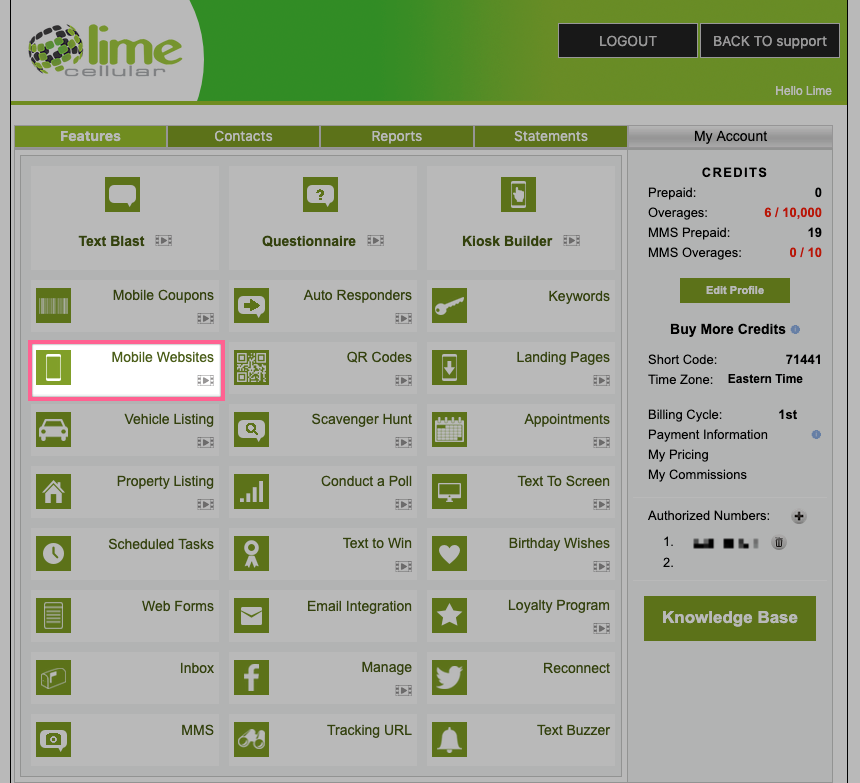
- Click on the Mobile Website feature:
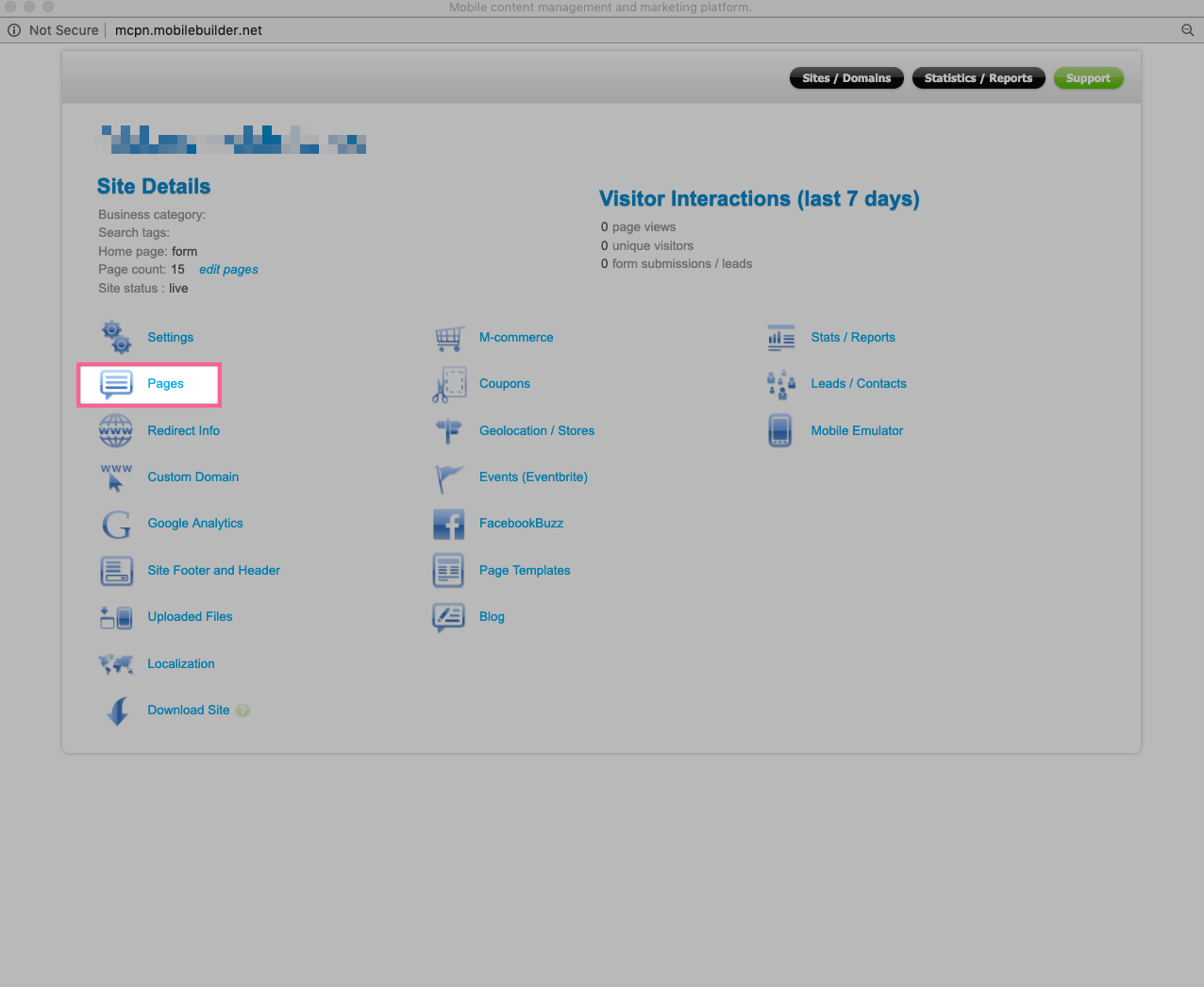
- Click on Pages:
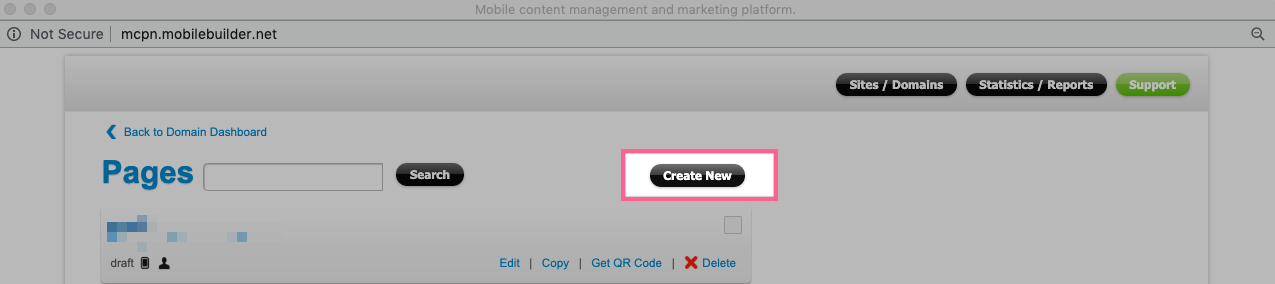
- Click on Create New:
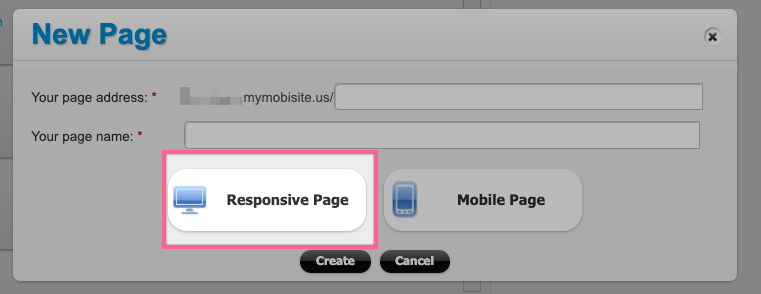
- Give your page an address and name, then select Responsive Page:
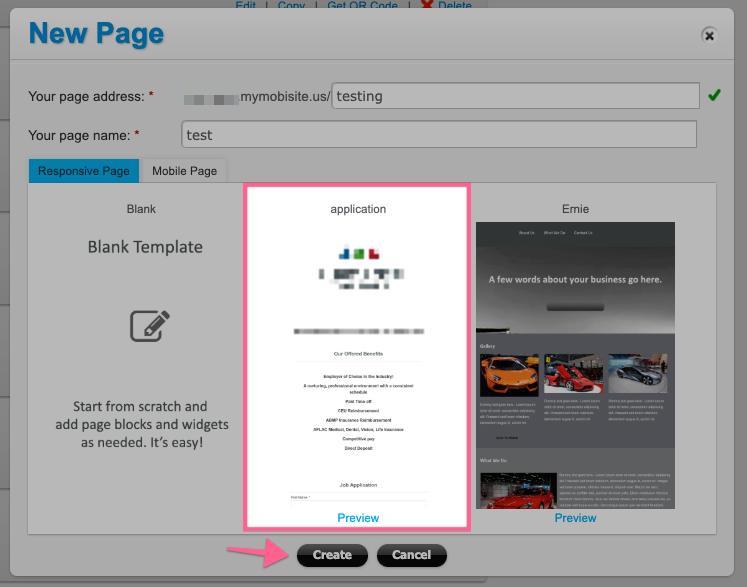
- Select the Application template and click Create:
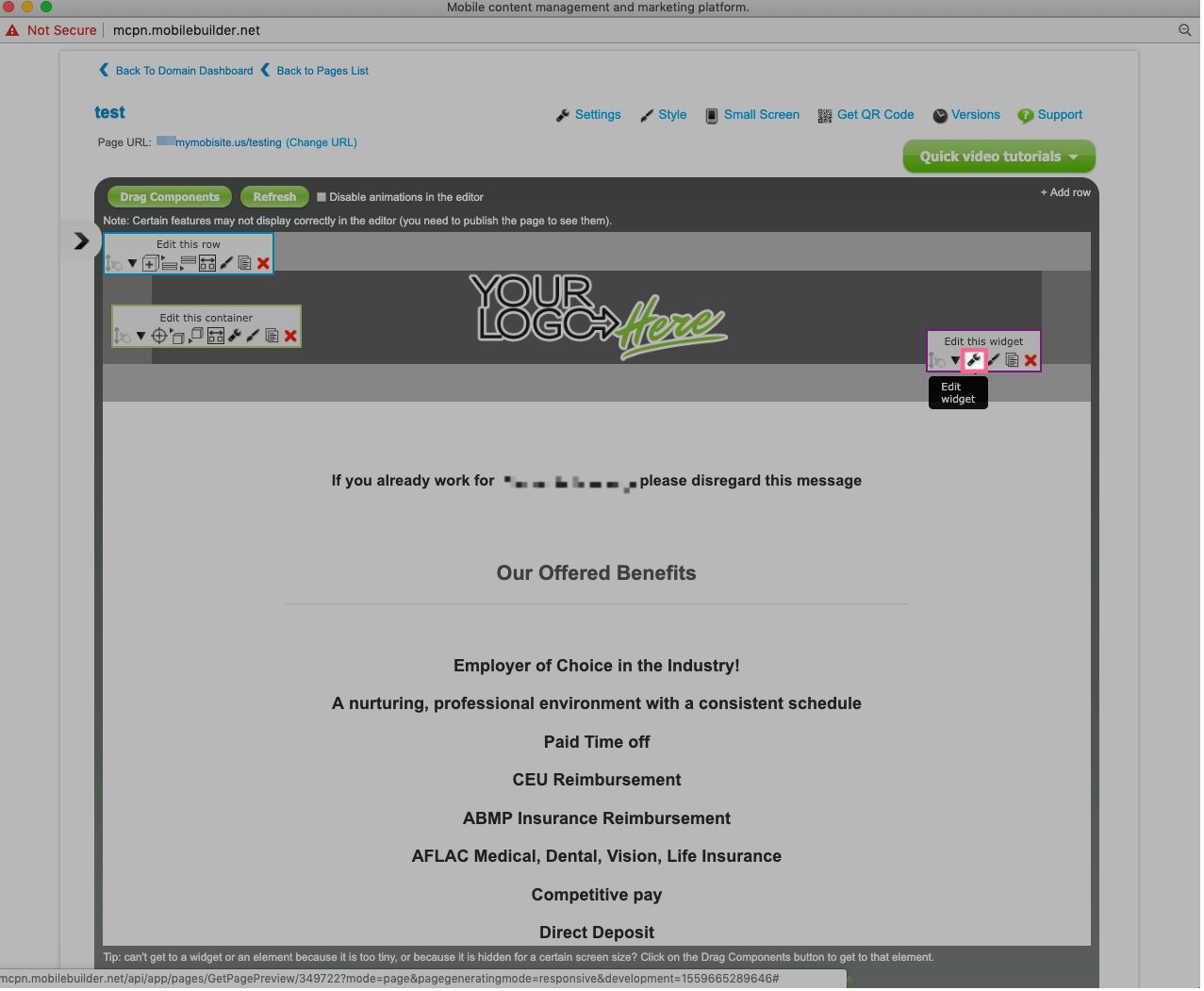
- Customize your page with your logos and text by clicking the Edit Widget icon:
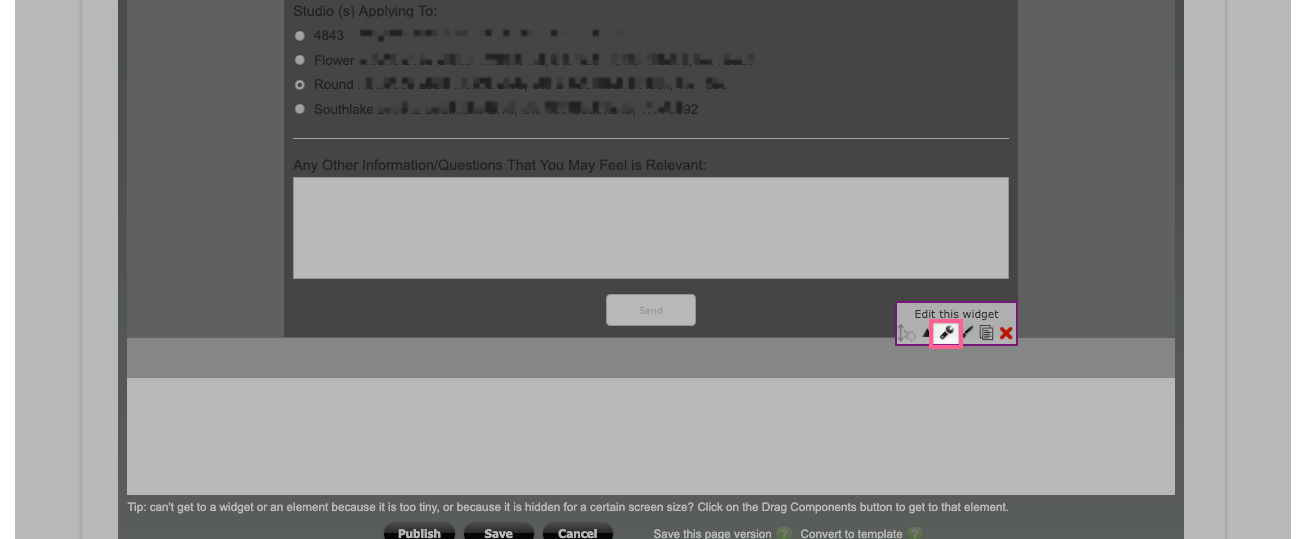
- Click the Edit Widget icon in the last widget at the bottom of the page:
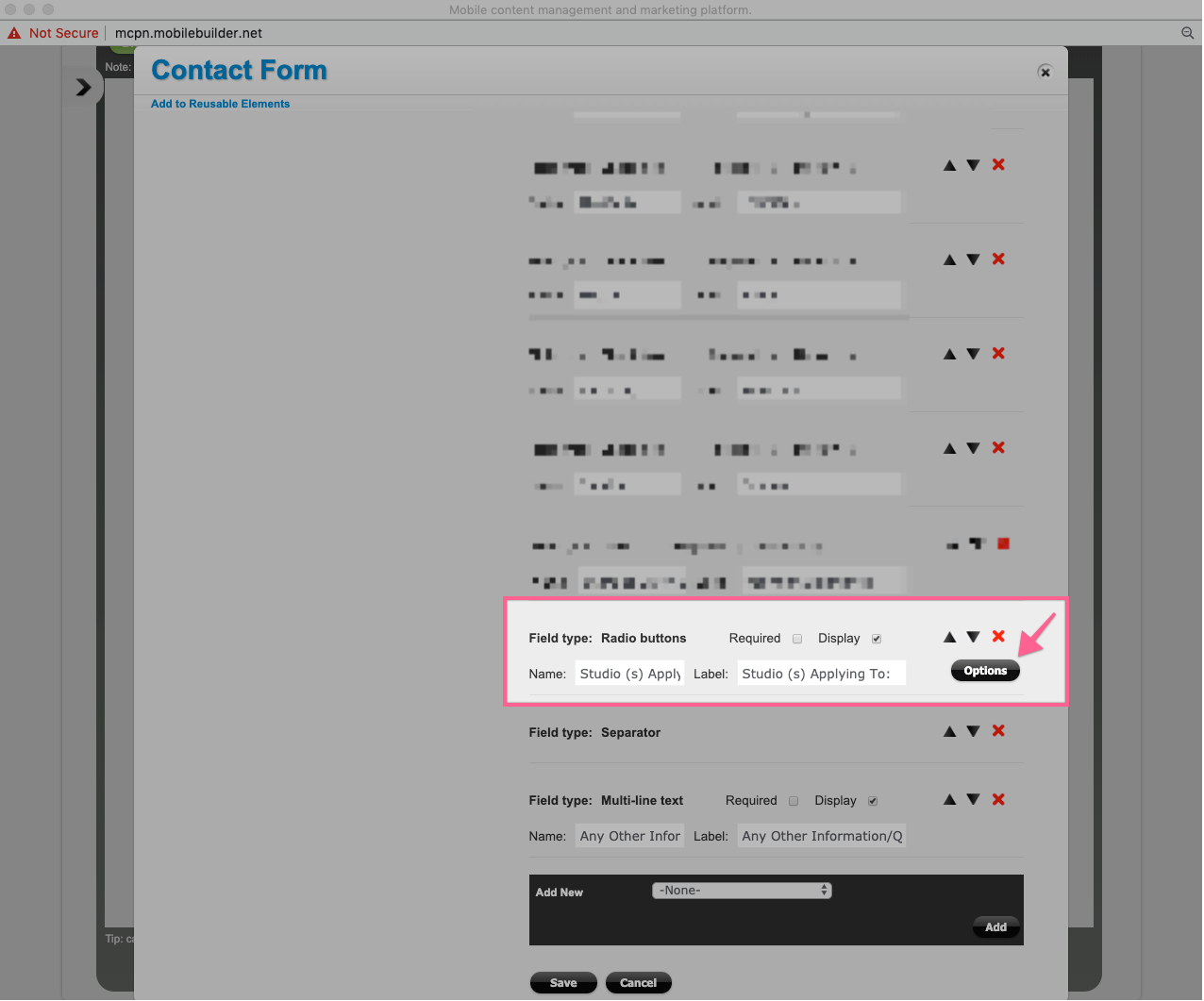
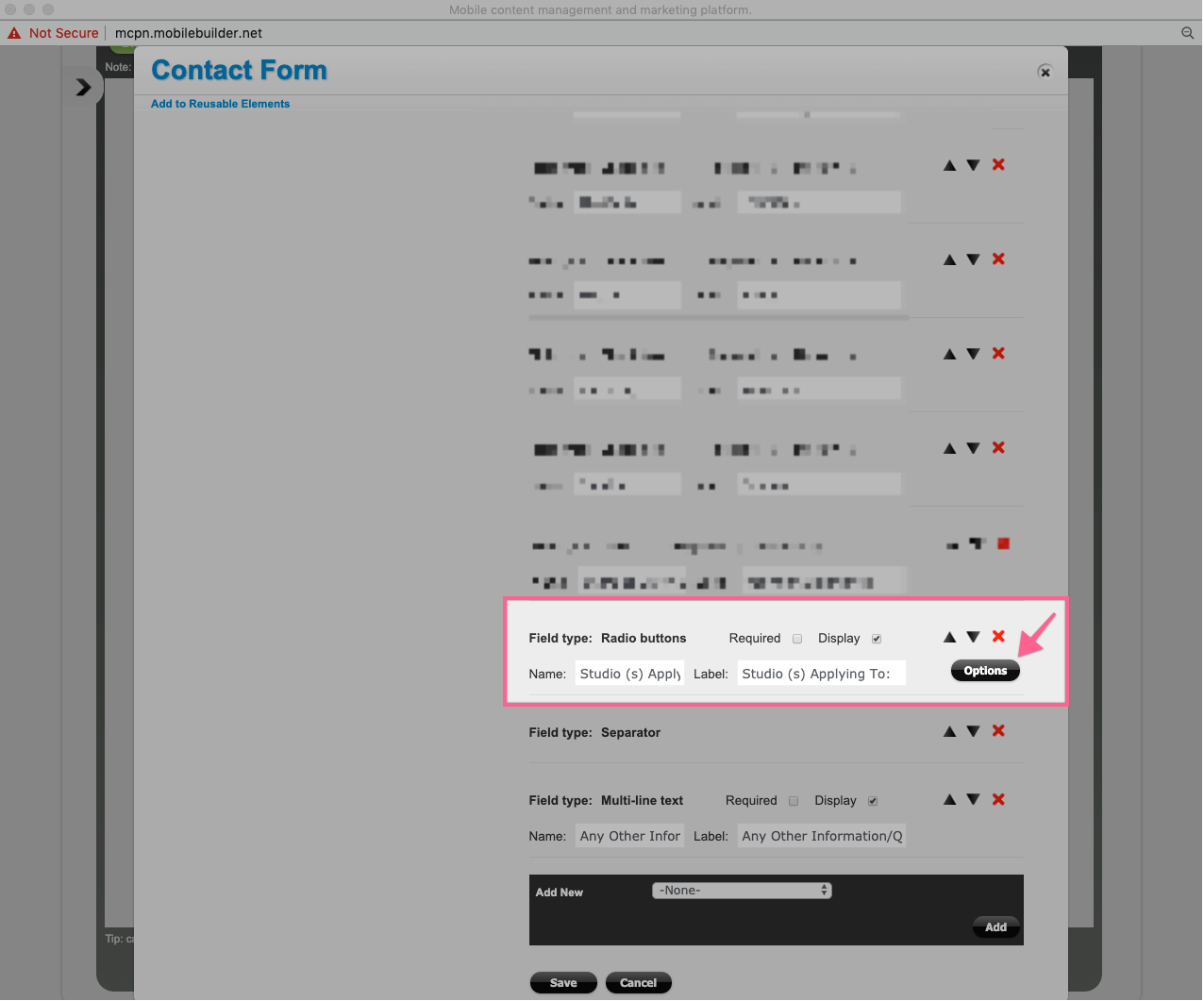
- Scroll down and look for "Field type: Radio buttons" section and click the Options button:
- Edit the locations, add or remove them if needed. When done click Save:
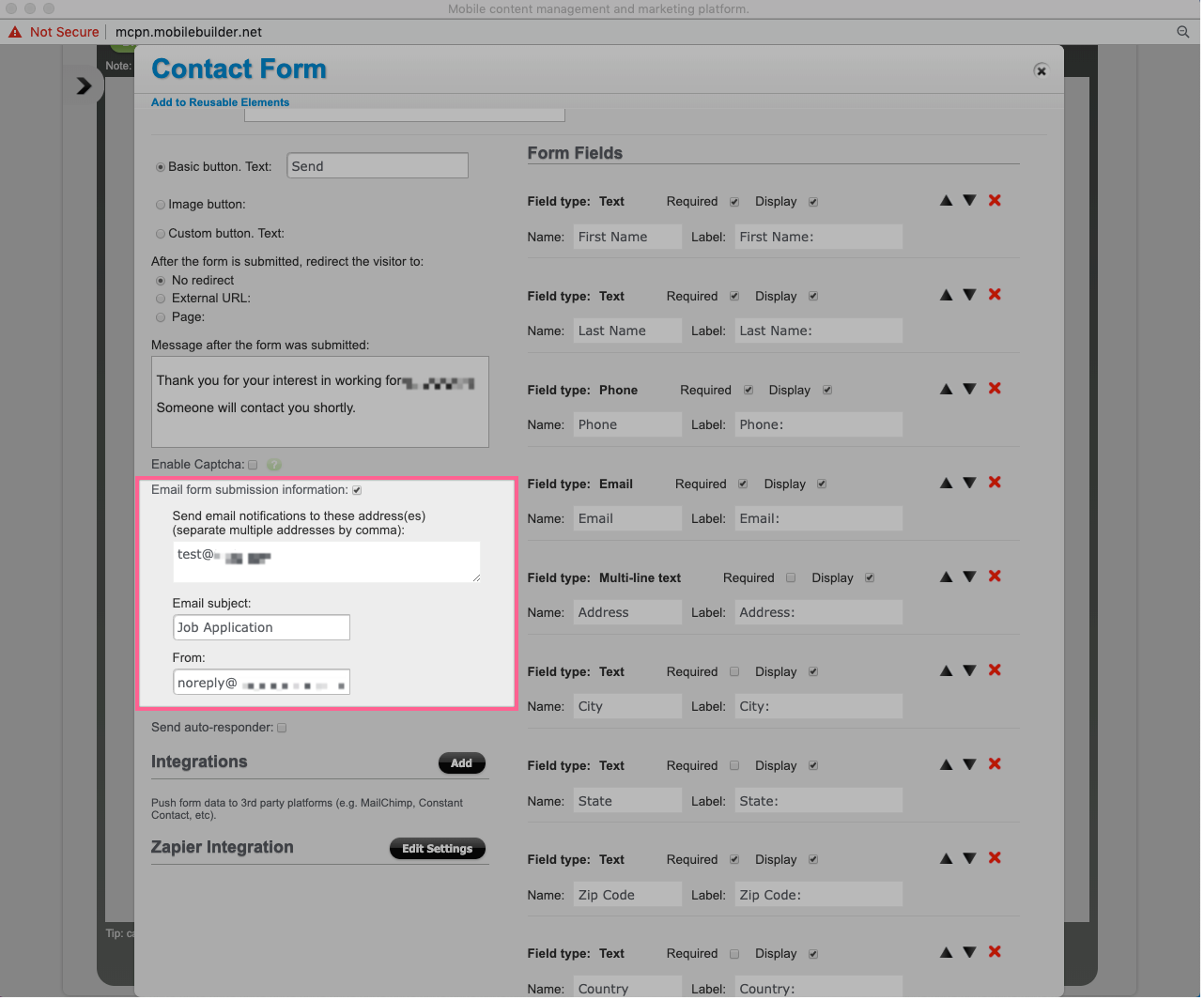
- Go to the Email submission information section and add your email information:
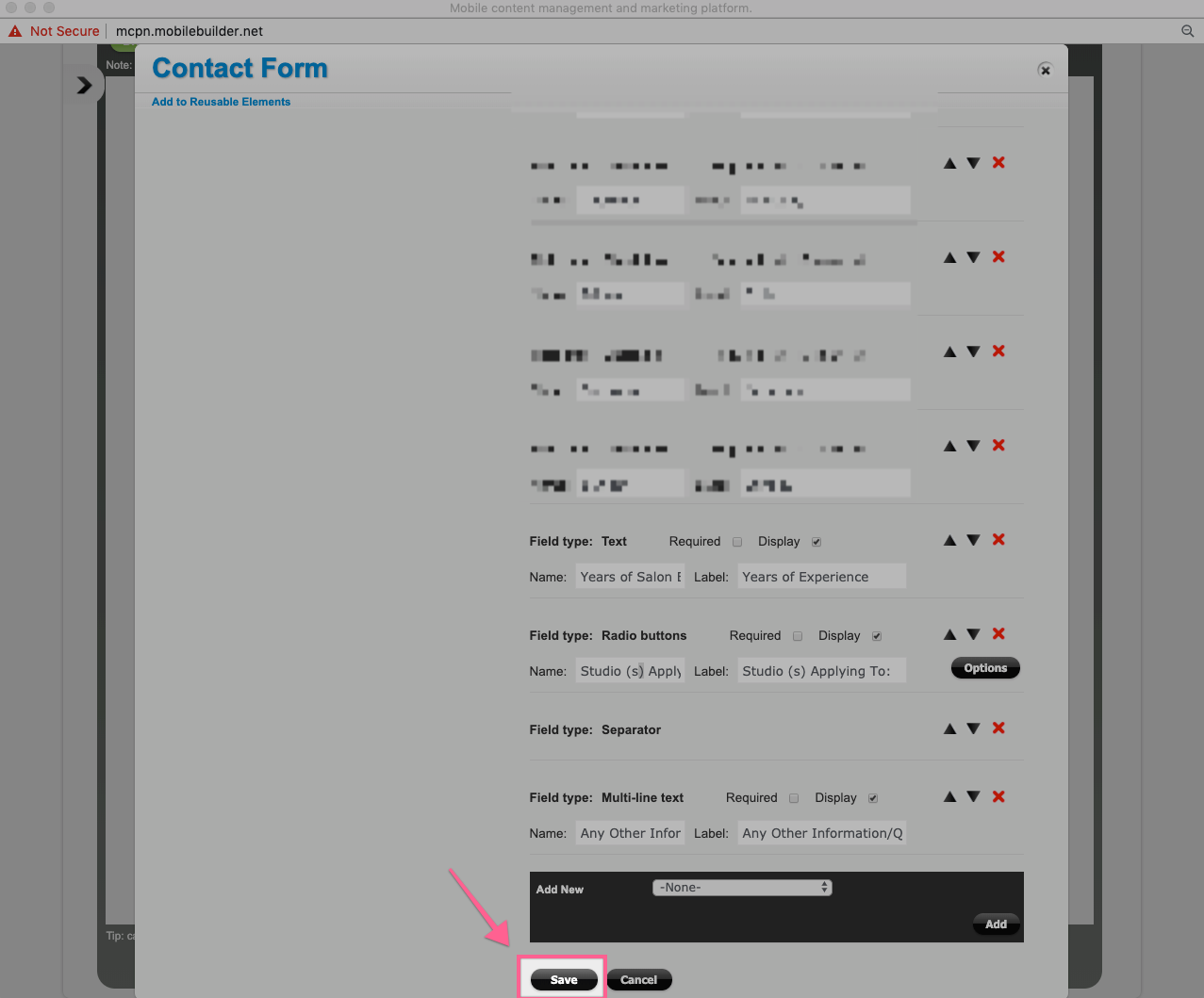
- Scroll down and click Save:
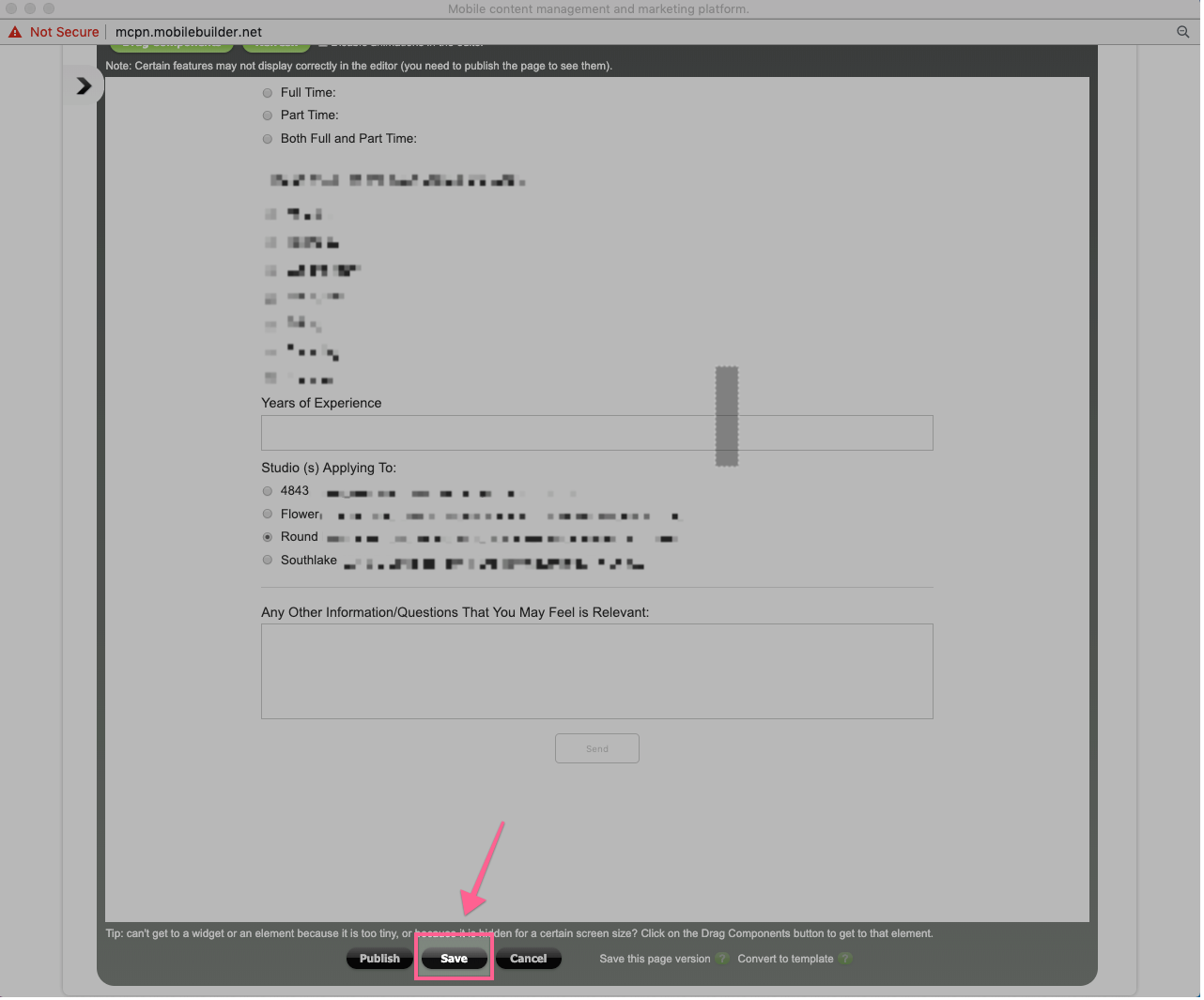
- Click Save:
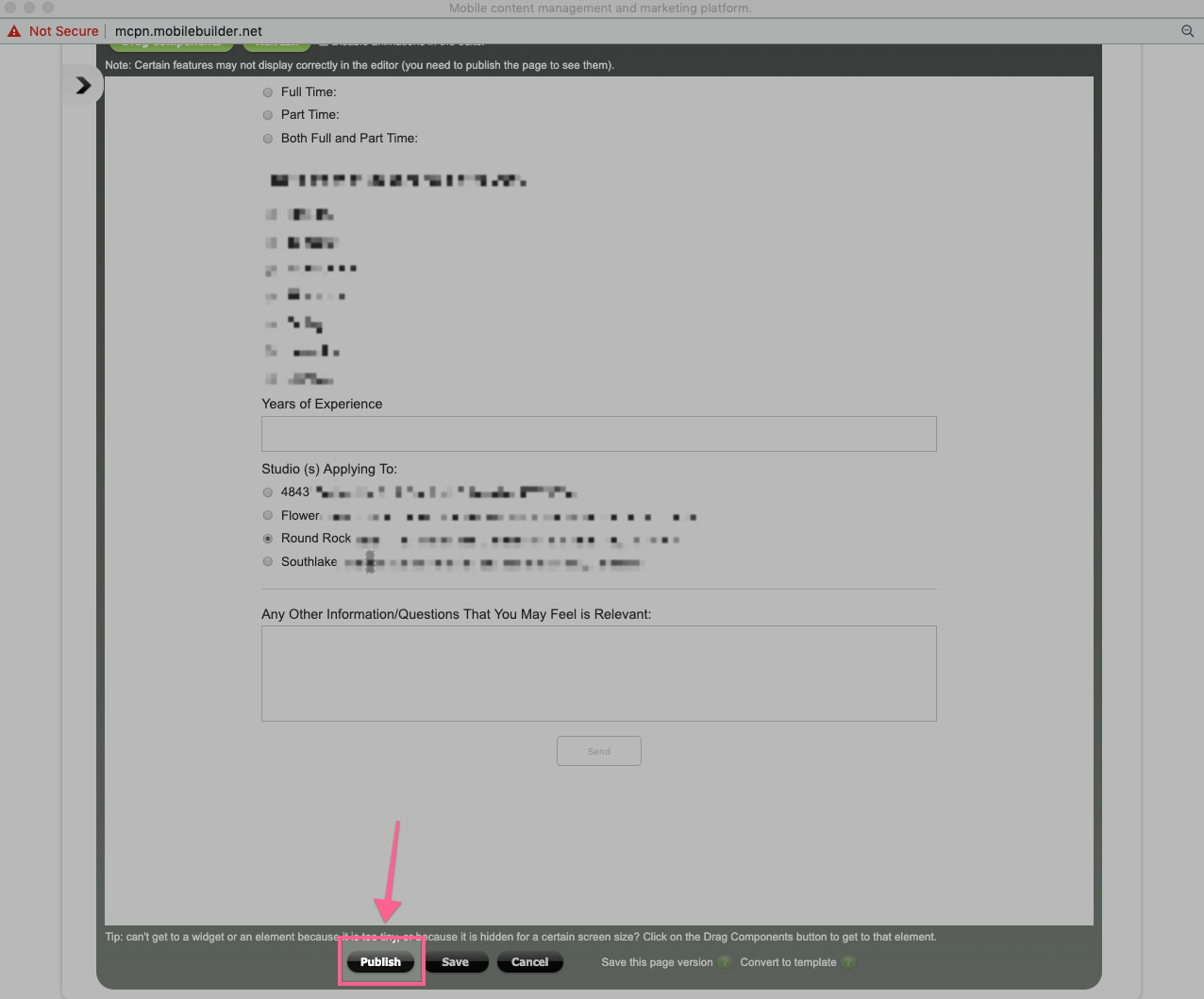
- Click Publish:
- You're all set. Have a blast!
Comments
0 comments
Article is closed for comments.